
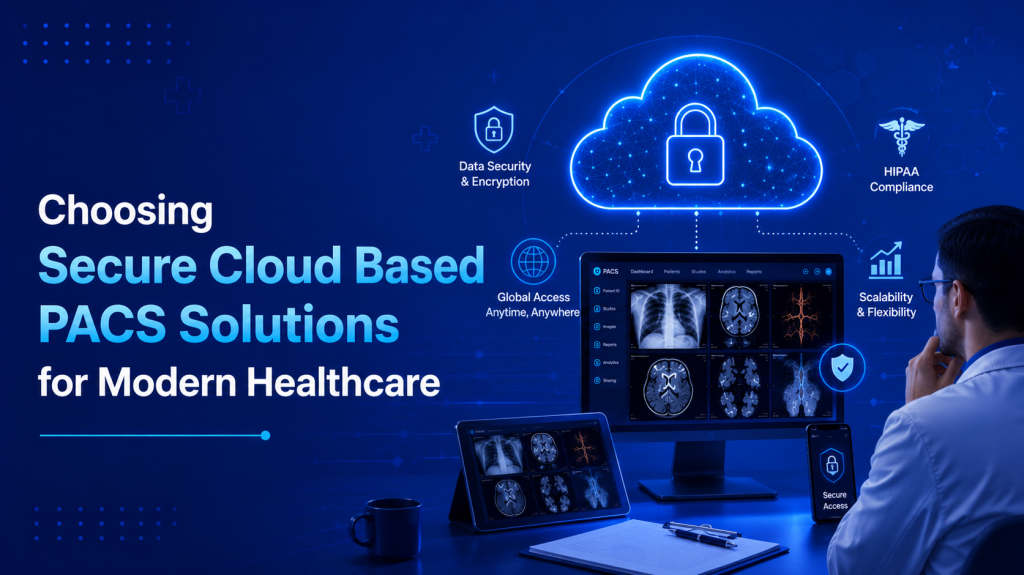
Healthcare is becoming more digital every year, and radiology departments are at the center of this transformation. Hospitals and imaging centers now manage huge volumes of medical images daily, including CT scans, MRIs, ultrasounds, mammograms, and X-rays. To handle this growing demand efficiently, many healthcare providers are moving toward cloud based PACS solutions.
Traditional PACS systems often rely on local servers and complex infrastructure that can be expensive to maintain and difficult to scale. In contrast, cloud-based solutions offer flexibility, remote accessibility, and easier collaboration. However, while choosing a cloud PACS system, security becomes one of the most important factors.
Medical imaging data contains highly sensitive patient information. Hospitals must ensure that images and reports remain protected while still being easily accessible to authorized users. This blog explains how healthcare providers can choose secure cloud based PACS solutions for modern radiology workflows.
Understanding Cloud Based PACS Solutions
PACS stands for Picture Archiving and Communication System. It is used to store, retrieve, manage, and share medical imaging studies digitally.
In a cloud-based PACS system, imaging data is stored on secure cloud infrastructure instead of local hospital servers. Radiologists and clinicians can access studies using internet-connected devices through secure web platforms.
Cloud PACS solutions typically support:
- Image storage and archiving
- DICOM viewing
- Remote reporting
- Teleradiology workflows
- RIS and HIS integration
- Multi-location collaboration
This modern approach improves flexibility while reducing dependence on physical infrastructure.
Why Security Matters in Cloud PACS
Medical imaging systems handle confidential patient information every day. If data is lost, corrupted, or accessed without authorization, it can create serious legal, financial, and clinical problems.
A secure cloud PACS solution protects:
- Patient privacy
- Diagnostic accuracy
- Hospital operations
- Regulatory compliance
Healthcare providers must ensure that cloud systems offer strong protection without slowing down radiology workflows.
Look for End-to-End Data Encryption
One of the first features hospitals should check is encryption.
Secure cloud PACS solutions should provide:
- Encryption during data transfer
- Encryption for stored images and reports
- Secure communication between users and servers
Encryption ensures that even if data is intercepted, unauthorized users cannot access patient information.
This is especially important for teleradiology workflows where imaging studies are shared across networks and multiple locations.
Choose Solutions with Role-Based Access Control
Not every hospital employee needs access to all imaging data. A secure cloud PACS system should include role-based access control.
This feature allows administrators to define who can:
- View studies
- Edit reports
- Download images
- Share patient data
For example, radiologists may have full access, while technicians or administrative staff may only see limited information.
Controlled access reduces the risk of accidental errors and unauthorized activity.
Ensure Compliance with Healthcare Regulations
Healthcare providers must follow strict privacy and security regulations. When choosing cloud based PACS solutions, hospitals should verify whether the system complies with healthcare standards and legal requirements.
Important compliance features include:
- HIPAA-ready security practices
- Audit logs for user activity
- Data backup and recovery systems
- Secure authentication methods
Compliance helps hospitals maintain patient trust while avoiding legal or regulatory problems.
Evaluate Backup and Disaster Recovery Features
Data loss can seriously disrupt hospital operations. Hardware failure, cyberattacks, or natural disasters may damage local systems and delay patient care.
Reliable cloud PACS providers offer:
- Automatic backups
- Multiple data storage locations
- Fast disaster recovery
- Continuous system availability
These features ensure imaging studies remain safe and accessible even during emergencies.
Hospitals should always ask providers about recovery time and backup frequency before choosing a solution.
Check Remote Accessibility and Security Together
Modern radiology depends heavily on remote reporting and teleradiology services. Radiologists often work from home, travel between hospitals, or support multiple facilities.
Secure cloud PACS systems should allow:
- Fast remote access to studies
- Secure login authentication
- Browser-based viewing without complex installations
- Safe image sharing between hospitals
Remote accessibility improves workflow efficiency, but it must never compromise patient data protection.
Integration with Existing Hospital Systems
A cloud PACS solution should integrate smoothly with:
- RIS (Radiology Information Systems)
- HIS (Hospital Information Systems)
- Electronic medical records
- DICOM viewers and reporting tools
Good integration improves workflow efficiency and reduces manual data entry errors.
Hospitals should choose systems that simplify daily operations rather than creating additional technical complexity.
Scalability for Future Growth
Healthcare facilities continue to generate more imaging data every year. Choosing a scalable cloud PACS solution is important for long-term success.
A scalable system allows hospitals to:
- Expand storage easily
- Add new users and departments
- Support higher imaging volumes
- Connect multiple locations
Unlike traditional systems, cloud solutions can grow without expensive hardware upgrades. This helps healthcare providers manage future expansion more efficiently.
User-Friendly Design Improves Efficiency
Security is important, but usability also matters. A secure system that is difficult to use may slow radiologists down during busy workflows.
Modern cloud PACS solutions should provide:
- Fast image loading
- Simple navigation
- Integrated reporting tools
- Smooth collaboration features
Radiologists should be able to focus on diagnosis rather than struggling with complicated software.
Why Hospitals Are Moving Toward Cloud PACS
Hospitals today need imaging systems that are secure, flexible, and cost-effective. Cloud PACS offers several advantages over traditional infrastructure, including:
- Lower hardware costs
- Easier maintenance
- Better remote accessibility
- Faster collaboration
- Improved scalability
As healthcare becomes more connected and digital, secure cloud-based imaging solutions are becoming essential for efficient patient care.
Conclusion
Choosing secure cloud based PACS solutions is one of the most important technology decisions for modern healthcare providers. Hospitals need systems that protect patient data while supporting fast, flexible, and efficient radiology workflows.
A reliable cloud PACS solution should offer strong encryption, secure access controls, compliance support, automatic backups, remote accessibility, and seamless integration with hospital systems. At the same time, it should remain easy for radiologists and clinicians to use during daily operations.
As imaging volumes continue to grow and remote healthcare expands, cloud PACS systems are helping hospitals improve efficiency, reduce infrastructure costs, and deliver faster diagnoses. Secure cloud technology is no longer just an upgrade—it is becoming the foundation of modern radiology services.
FAQs
Cloud-based PACS solutions store, manage, and share medical imaging data through secure cloud infrastructure instead of local servers. They allow radiologists and clinicians to access studies remotely while improving storage flexibility and workflow efficiency.
Medical images contain sensitive patient information that must be protected from unauthorized access and data breaches. A secure cloud PACS system helps maintain patient privacy, supports compliance requirements, and ensures the integrity of diagnostic data.
A reliable cloud PACS platform should offer data encryption, role-based access controls, secure authentication, automated backups, audit logs, and disaster recovery capabilities. These features help safeguard patient information and ensure continuous system availability.
Cloud PACS enables radiologists to securely access imaging studies from any location using internet-connected devices. This supports teleradiology services, faster reporting, specialist consultations, and uninterrupted radiology coverage across multiple healthcare facilities.
Yes, modern cloud PACS solutions are designed to integrate with RIS, HIS, EMR, and DICOM viewers. This integration improves workflow automation, reduces manual data entry, and allows healthcare teams to access imaging information more efficiently.